Do you want to pick out some useful contents for you from a large PDF files? Aiseesoft PDF Splitter can help you solve this problem. It enables users to split PDF file with numerous methods. And the quality of output PDF files would be perfect.
Preparatory work: Download and install Aiseesoft PDF Splitter
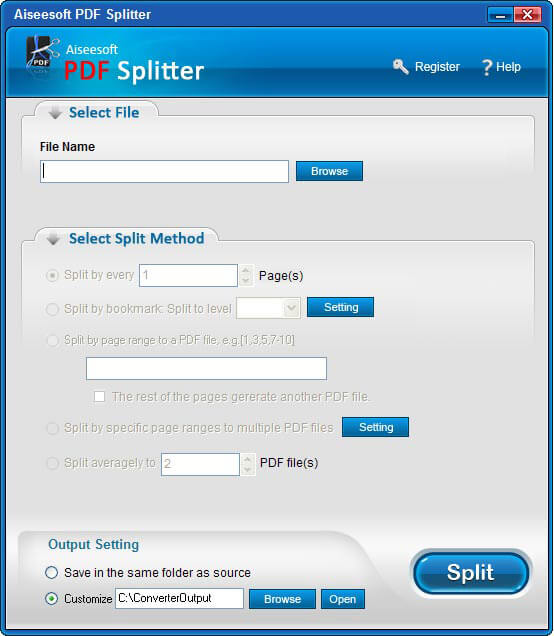
Step 1: Add PDF file
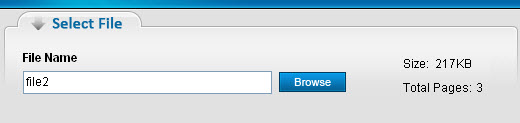
Click the "Browser" button to input the PDF file you want to split.
Step 2: Choose split method
This PDF Cutter provides you with five split methods.
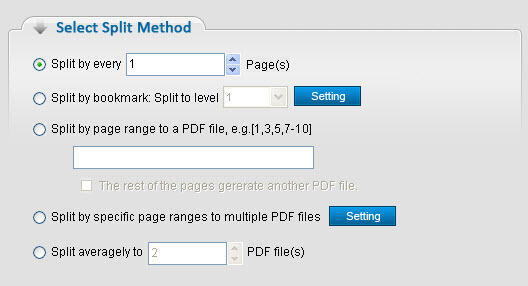
Split PDF by every n page(s)
If you choose this method, you can divide the PDF file into several PDF files with n pages per file.
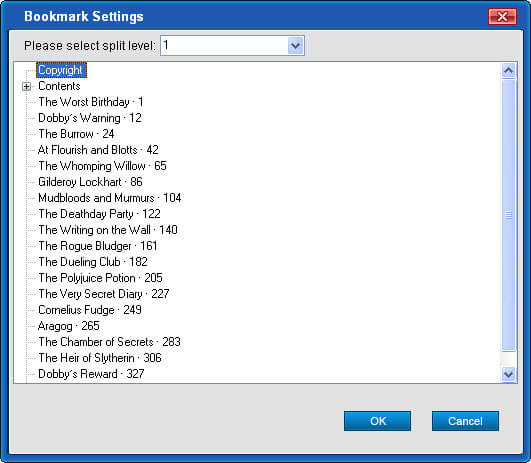
Split by bookmark
Split the PDF file by its bookmark, such as chapters, sections, etc.
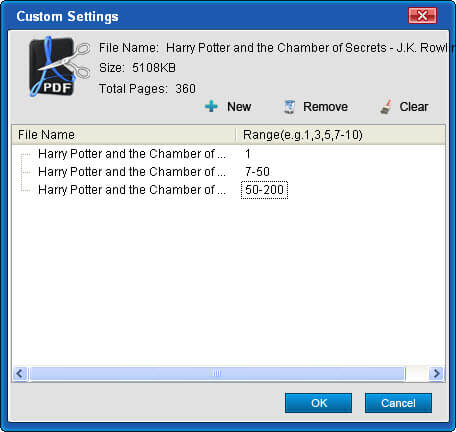
Split PDF file as you defined
You could define your own way to split the PDF file, such as by both pages or by page ranges.
Split PDF averagely
This split method enables you to split the PDF file averagely to n PDF files.
Step 3: Start converting PDF
After setting all these above, you can click the "Split" button to start the converting process.

没有评论:
发表评论